It’s 6:00 AM. A contractor is trying to get on-site, but they are missing one specific orientation certificate. They pull out their phone to complete it in the LMS, but they hit a wall: "Incorrect Password."
They try three times. Locked out. Frustrated, they call the site admin, who is busy. In a panic to get work started, the admin just creates a new account: "DavidSmith2."
Congratulations. You now have a duplicate profile, fragmented safety records, and a worker who will likely forget the password for "DavidSmith2" by next week. This is why Safety Professionals need to care about Single Sign-On (SSO).
What is SSO? (In Plain English)
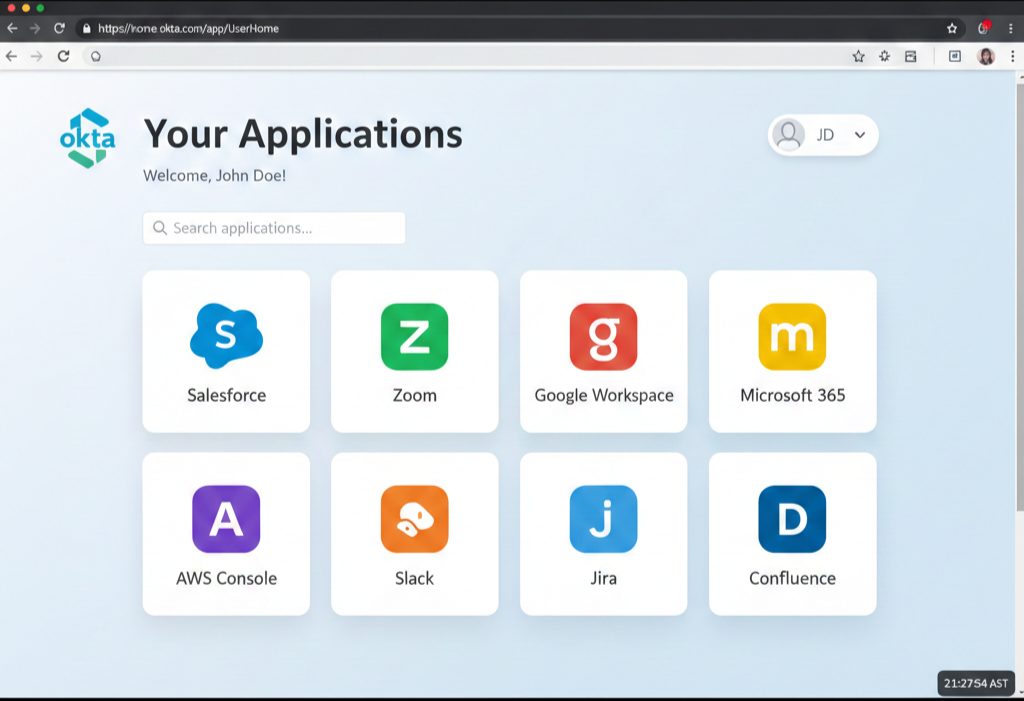
Single Sign-On acts like a master key. Instead of your employees having a username/password for the LMS, a username/password for Email, and a username/password for HR, they have one identity.
If they are logged into their company email (Microsoft 365 or Google Workspace), they are automatically logged into the safety platform. No extra passwords to remember.
Reason 1: Instant "Kill Switch" for Terminations
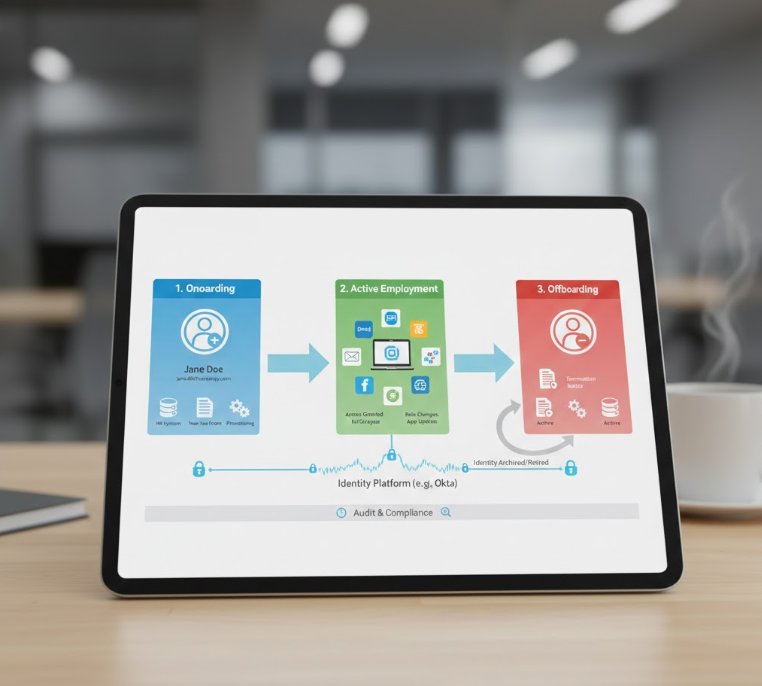
The biggest risk in digital safety management is the employee who leaves on bad terms. If you have 10 different safety apps, you have to manually remove that user from 10 different places.
With SSO, the moment HR disables their email address, access to the safety platform is cut instantly. They cannot log in to download proprietary documents, delete records, or mess with data.
Preventing "Buddy Punching"
We see it all the time: a supervisor gives their login to a crew member to "just get the training done." This invalidates your liability protection. SSO makes this much harder because sharing access would mean giving away their email password—something people are very reluctant to do.
Reason 2: Data Integrity (The "Golden Record")
Without SSO, you are relying on manual data entry. Someone types "Jon" today and "John" tomorrow. SSO pulls data directly from your "Source of Truth" (usually your HR or Payroll system).
This ensures that the name on the safety certificate matches the name on the payroll check perfectly. When an auditor asks for records, you don't have to explain why the names don't match.
How to Ask Your IT Team
You don't need to be a coder to request this. Send an email to your IT Director asking: "Does our current LMS support SAML 2.0 or OIDC integration with our Azure AD?"
If the answer is no, it might be time to look for a platform that takes enterprise security seriously.